
Sync customer records, metrics, and product events from Amazon Redshift into Cust. Use SQL to select the data you need, preview the results, and match each row to the right customer.
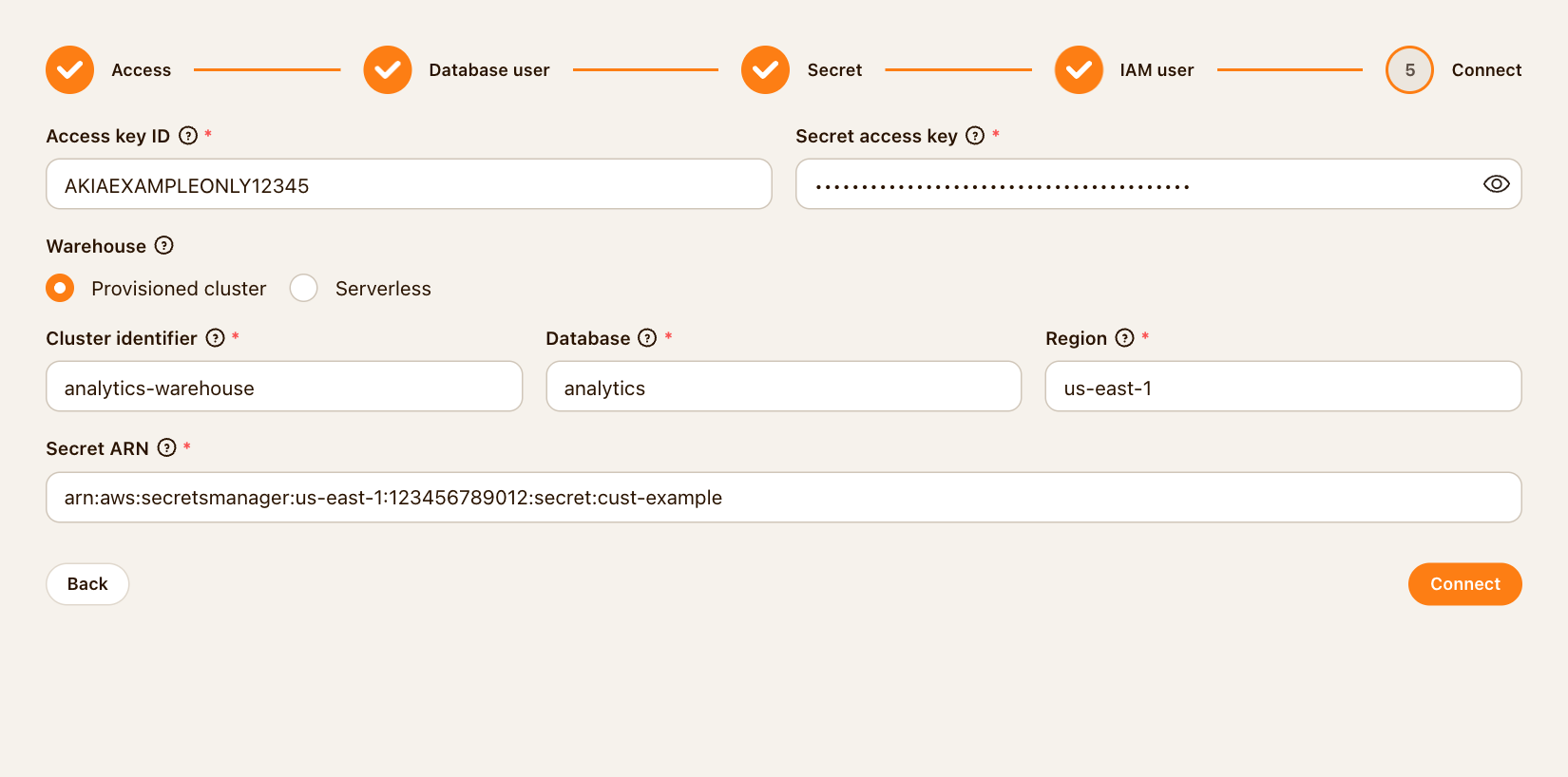
Cust supports provisioned Redshift clusters and Redshift Serverless workgroups through the Redshift Data API. The connection wizard guides an administrator through the database user, Secrets Manager secret, and IAM access.
Sync companies, contacts, custom objects, metric snapshots, individual measurements, and product events into Cust.
Inspect sample rows and match source identifiers to customer records before enabling a sync.
Read all rows or only new and changed rows using a change-tracking timestamp. Review run status, row counts, and errors in Cust.
Open Settings → Integrations → Redshift. Follow the wizard to configure read-only database access, the database secret, and IAM credentials.
Create a sync, choose its destination, and enter your SQL. Run a preview, match identifiers, and select the fields or metrics to import.
Choose when the sync runs and whether it reads all rows or changed rows. Enable it, run it, and check a known record in Cust.