

Sync the companies, contacts, and other records you choose from Odoo into Cust. Cust uses them to build customer context, health scores, and follow-up work for your team.
Turn on support tickets to import Odoo helpdesk tickets as support conversations on the right account, with their customer-visible messages. Cust works with Odoo 19 and later.
Sync Odoo partners to companies and contacts, and add models such as sales orders, leads, or tasks. Each sync has its own record filter.
Import tickets with their customer-visible messages. Internal notes stay in Odoo, and attachments link back to it.
Run each sync every 15 minutes up to once a day. Cust renews its own Odoo API key before it expires.
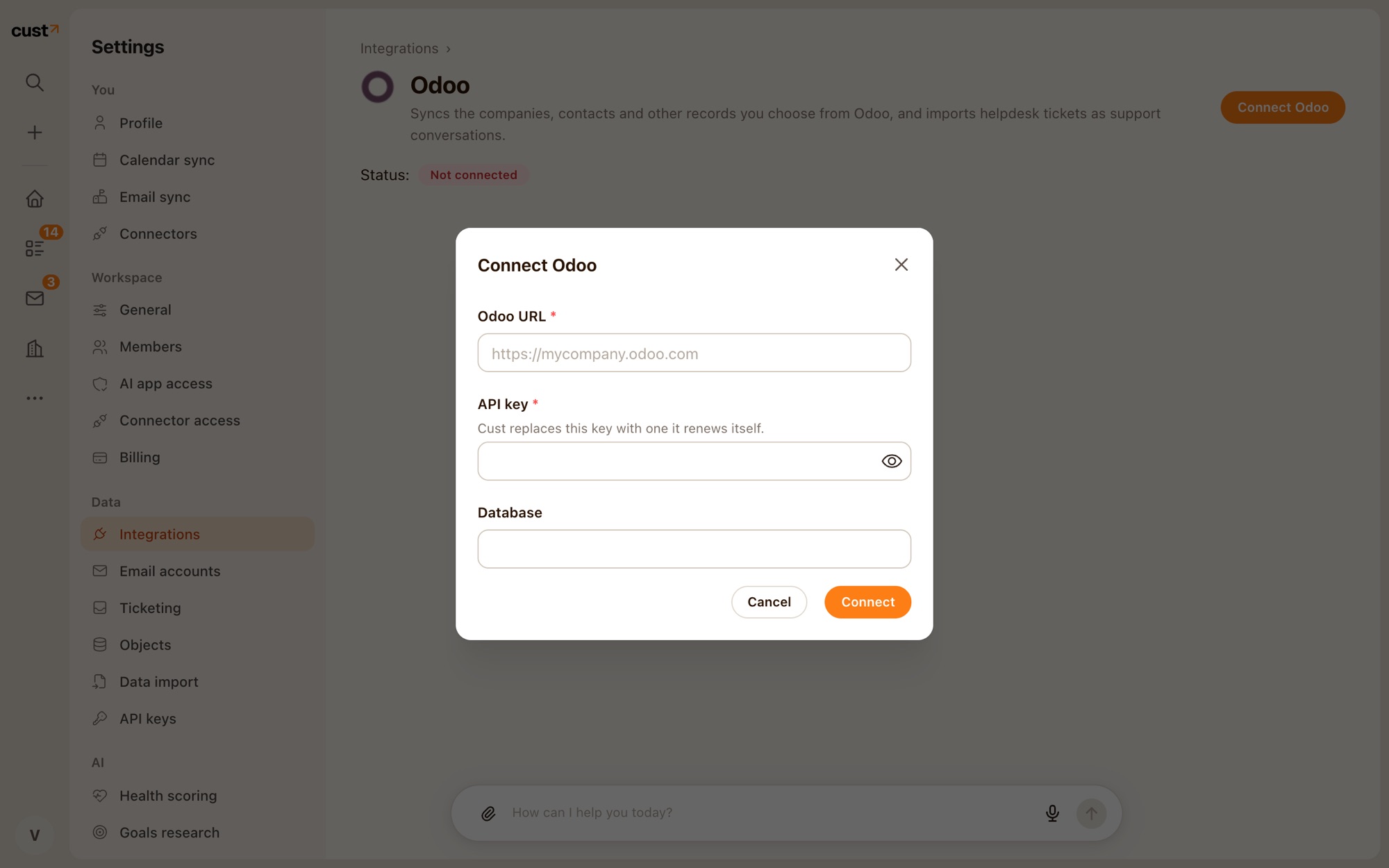
Open Settings → Integrations → Odoo and click Connect Odoo. Enter your Odoo URL, an API key, and the database if you have more than one.
Turn on the partner syncs for companies and contacts, adjust their filters, and add any other Odoo models you need.
Switch on Support tickets and pick which stages count as closed. Check a known account in Cust after the first run.