
Bring product guides, policies, FAQs, and other team knowledge from Google Drive into Cust. Shared files become searchable knowledge articles that your Assistant can use for answers.
Cust reads Google Docs, Sheets, and Slides, plus supported PDF and Microsoft Office files. Share individual files or folders, keep editing the originals in Drive, and let Cust check for changes hourly.
Each supported file becomes a knowledge article. Spreadsheet tabs stay together in one article, and imported content is read-only in Cust.
Changed files update their existing articles. The connected-files page shows sync status, errors, and links to the source files.
Share selected files or folders with Cust as Viewer. Supported files inside connected subfolders are included, and new files are found during regular syncs.
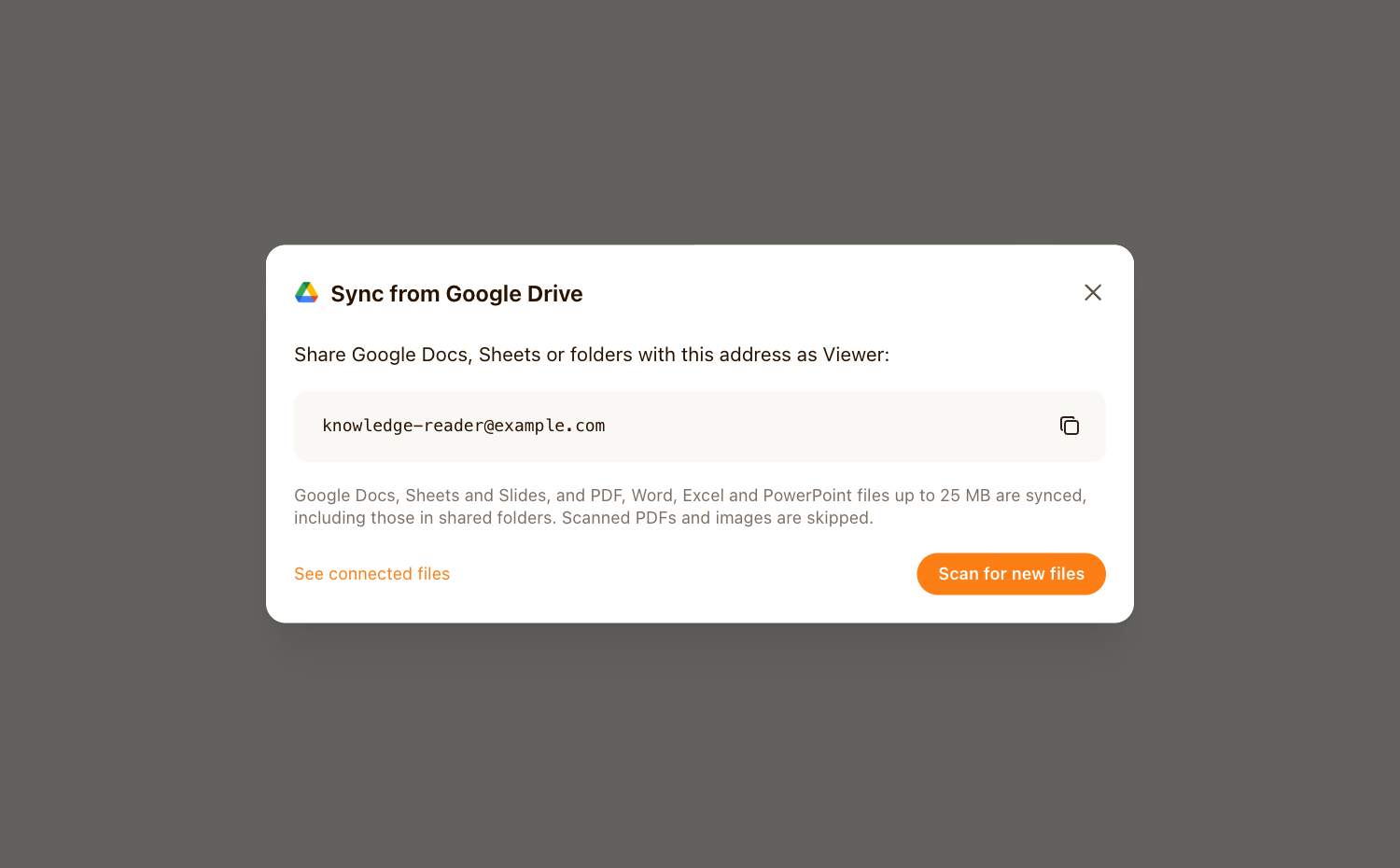
In Knowledge, choose Add to knowledge → Sync from Google Drive. Copy the address and share the files or folders with it as Viewer.
Click Scan for new files, review the discovered files, then Sync files. Discovery uses your workspace’s primary domain.
Cust starts the initial sync and checks connected sources hourly. Review the connected-files page if a source needs attention.