cust.co / Alternatives / Vitally

Vitally alternatives for customer success

Compare Vitally alternatives for customer collaboration, account management and AI-assisted work. Choose around the workflows your CSMs and customers use every week.

Start with the reason you are considering a change

Vitally already offers AI, automation and collaborative workspaces. Evaluate alternatives against specific requirements rather than assuming an AI label is a meaningful difference.

This guide is published by Cust, one of the options below. Product descriptions link to vendor sources. The evaluation questions are our recommendations, and the list is not an independent ranking. Confirm current features and commercial terms with each vendor.

Check Vitally's current product information →

5 options to put on your shortlist

PlatformConsider it forWhat to verify
CustTeams evaluating AI-assisted account research, QBR preparation, handovers and follow-upsCheck the integrations and credit allowance required for your workflow.
GainsightTeams evaluating a broad customer success platformAsk for a demonstration using your account hierarchy and renewal process.
TotangoTeams evaluating customer intelligence or their next step from TotangoAsk which existing workflows and data are supported in the current offering.
ChurnZeroTeams evaluating customer engagement alongside AI-assisted CS workflowsTest the required integrations, AI actions and approval controls in your use case.
PlanhatTeams evaluating connected customer data and cross-functional workflowsDemonstrate your data model, workflow ownership and required reporting.

Cust

AI for customer retention, with customer context and repeatable workflows in one platform.

Consider it for: Teams evaluating AI-assisted account research, QBR preparation, handovers and follow-ups.

Pricing: See current plans, included credits, billing terms and regional pricing. View Cust pricing and credit usage.

Check in your evaluation: Check the integrations and credit allowance required for your workflow.

Cust product source →

Gainsight

Customer success and retention platform with AI capabilities.

Consider it for: Teams evaluating a broad customer success platform.

Pricing: Confirm current packaging and a quote with Gainsight.

Check in your evaluation: Ask for a demonstration using your account hierarchy and renewal process.

Gainsight product source →

Totango

Totango now introduces Odie, a customer knowledge engine for post-sales teams and agents.

Consider it for: Teams evaluating customer intelligence or their next step from Totango.

Pricing: Confirm current product availability and commercial terms.

Check in your evaluation: Ask which existing workflows and data are supported in the current offering.

Totango product source →

ChurnZero

Customer success software with engagement tools and embedded AI agents.

Consider it for: Teams evaluating customer engagement alongside AI-assisted CS workflows.

Pricing: Confirm current packaging and a quote with ChurnZero.

Check in your evaluation: Test the required integrations, AI actions and approval controls in your use case.

ChurnZero product source →

Planhat

Customer platform combining data, intelligence, collaboration and action.

Consider it for: Teams evaluating connected customer data and cross-functional workflows.

Pricing: Confirm current packaging and a quote with Planhat.

Check in your evaluation: Demonstrate your data model, workflow ownership and required reporting.

Planhat product source →

What to test when comparing Vitally alternatives

Keep customer collaboration usable

Test shared documents, success plans and ownership with a customer-facing workflow.

Follow the work across tools

Use one account to test how CRM records, conversations and tasks stay connected.

Measure review and execution effort

Compare how much editing and manual follow-through a QBR or follow-up requires, including any approval controls.

Compare the full cost

Ask for the same scope in every quote: integrations, implementation, seats, AI usage, support and renewal terms. For Cust, review current plans and credit usage so the estimate reflects your workload and billing region.

See the work you would run in Cust

Use a concrete workflow to evaluate the platform. Review how Cust supports QBR preparation, customer handovers and account prioritization.

Check your required integrations and security requirements, then bring one workflow to a demo.

BOOK A PERSONAL DEMO →
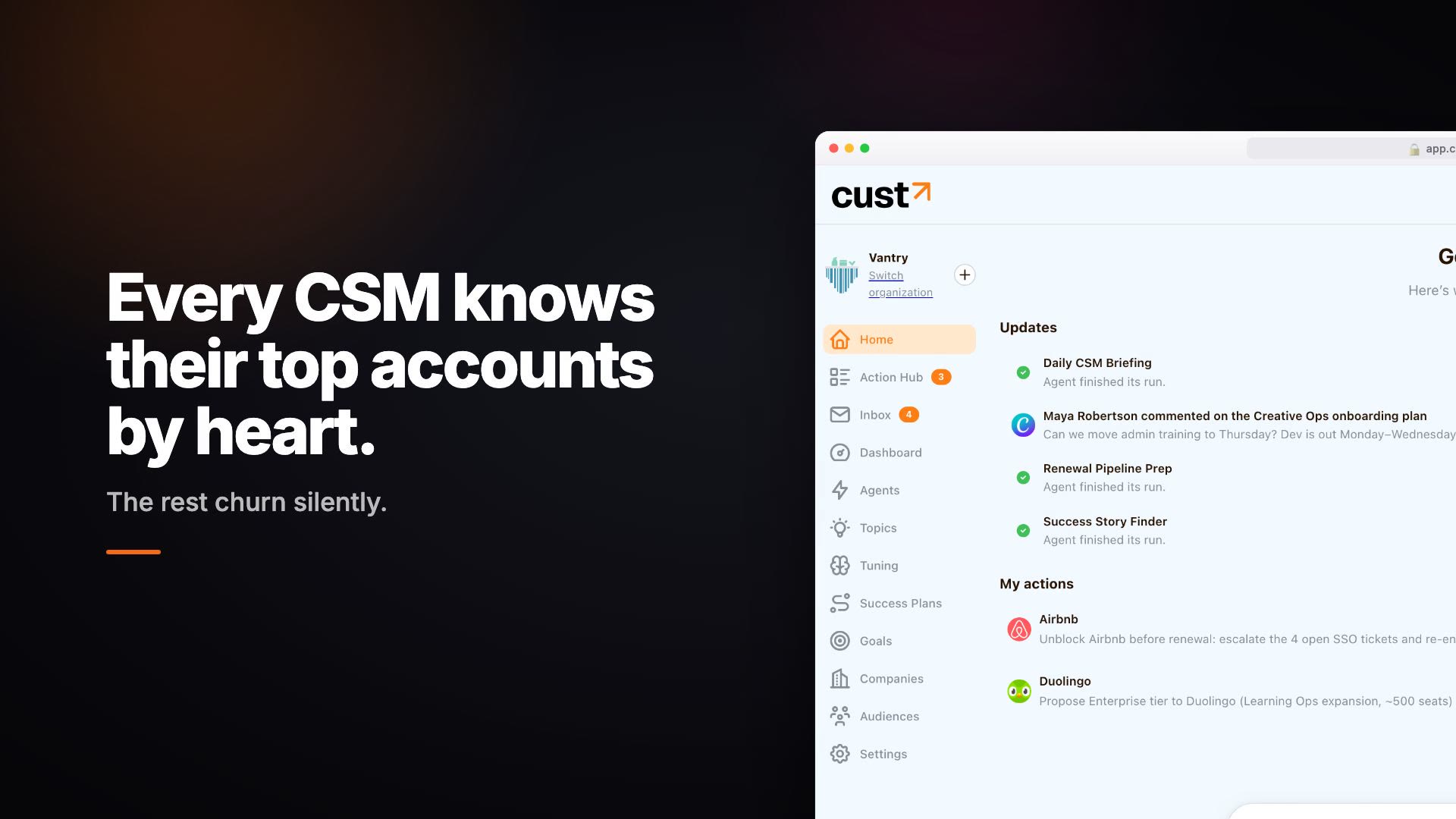
Cust product walkthrough showing account updates and suggested actions

Plan a switch without losing account context

  1. Inventory account fields, contacts, notes, health history and open tasks.
  2. Confirm export rights and test a sample import with the new provider.
  3. Pilot one customer segment and one recurring workflow.
  4. Check account ownership, permissions, renewal dates and reporting against the original records.
  5. Agree a cutover plan and keep an export before ending the old service.

Should you replace your platform or add to it?

That depends on the missing workflow. A focused pilot can show whether a new tool fills the gap alongside your existing systems. Do not assume a feature-for-feature replacement without testing the requirements that matter to your team.

How should you measure the pilot?

Record preparation time, review effort, completed actions and output accuracy for the same accounts. Use your NRR baseline as business context; a short software pilot cannot by itself prove a retention improvement.

Bring one customer workflow. See how Cust handles it.

Walk through your requirements with a founder and decide whether the platform fits your team.